
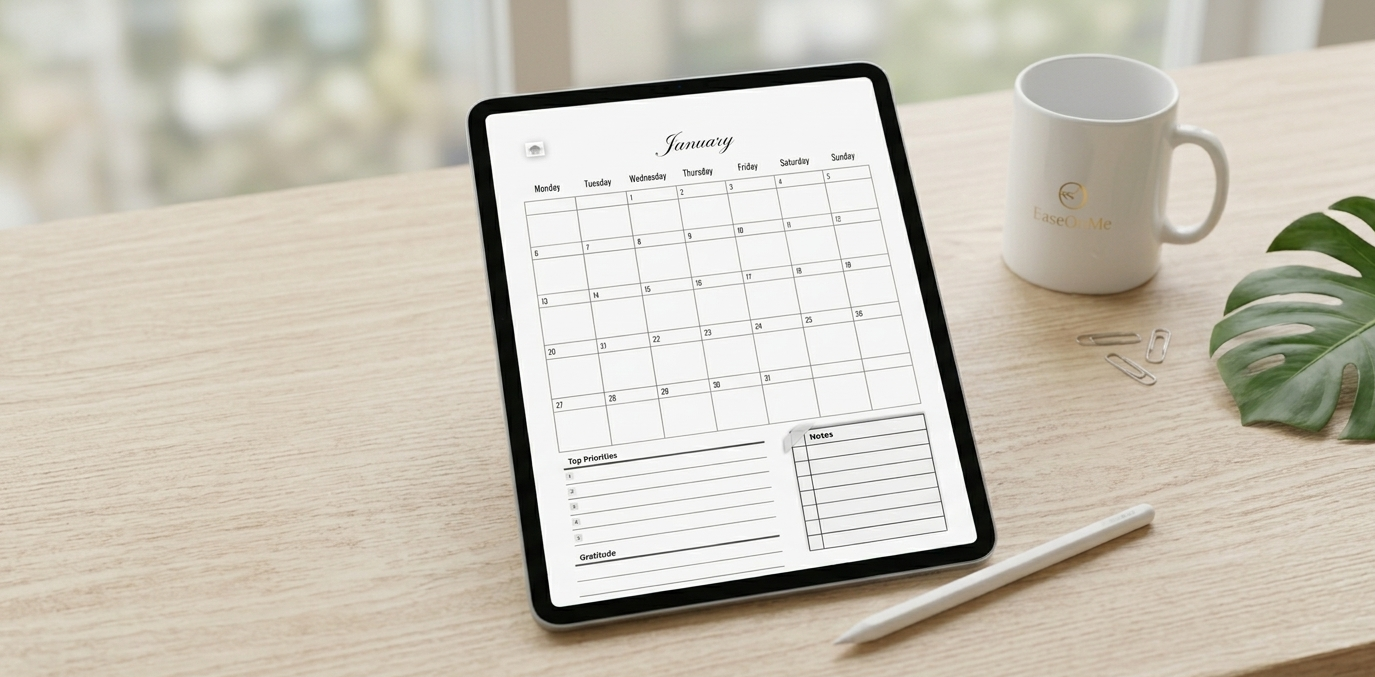
If your desk is currently covered in sticky notes, paper planners, and half-used notebooks, you are not alone. Transitioning to a digital workspace isn't just about saving paper — it's about creating a sanctuary for your thoughts, goals, and daily rituals that goes wherever you go. Today, we're breaking down exactly how to turn your iPad into the ultimate digital organization tool.
1. The Essential Tools You Need
Before diving in, let's talk about the foundation. To enjoy a seamless and tactile writing experience, you only need three things:
- An iPad: Any model that supports an Apple Pencil works perfectly.
- The Apple Pencil: Crucial for that natural, pen-to-paper feel.
- A Note-Taking App: GoodNotes 6 or Notability are the industry standards.
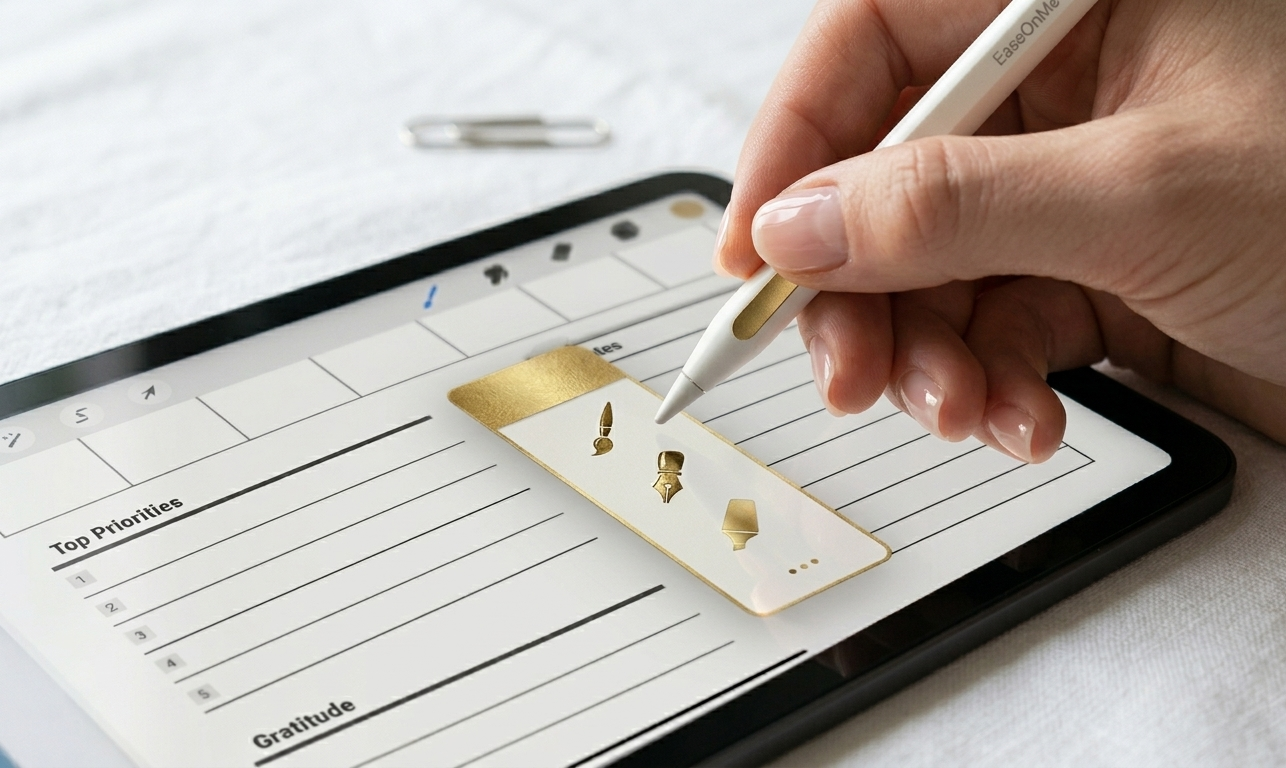
The three essentials: iPad, Apple Pencil, and a beautiful note-taking app.
2. Choosing the Right Digital Planner
Not all digital planners are created equal. When looking for a planner, look for one designed with "soft productivity" in mind — layouts that leave room for mindfulness, morning rituals, and habit tracking, rather than just strict corporate scheduling.
"The best planner is one that feels like an invitation, not an obligation."
Look for hyperlinked tabs, monthly and weekly spreads, and dedicated pages for intentions and reflections. The EaseOnMe Digital Planners are built around exactly this philosophy — structure that holds you without constraining you.
3. Making It a Daily Ritual
The secret to staying organized is consistency, and consistency comes from joy. Set up a dedicated time every morning — grab your favorite cup of tea, open your iPad, and spend 5 minutes visualizing your day.
Over time, you'll find yourself adding more: weekly reviews, monthly intentions, space for gratitude. But the foundation is always the same — a quiet moment, a beautiful page, and the simple act of deciding how you want to show up today.
Join the Conversation
Press Enter to search · Esc to close